Building GestureBox: Controlling Music with Your Hands
What if you could control music by waving your hands in front of an iPhone? No MIDI controller. No mouse. No DAW window staring back at you. Just your hands and the sound.
 That's GestureBox, a silly app I did after finding out who's Imogen Heap (universal experience), and wanting to do some music with my body. I always loved music and code, so why not merging the two, right?
The app uses the device camera to track hand poses in real time, then maps finger positions and wrist movement to audio controls. Raise one finger to pick a track. Move your hand up to crank the volume. Rotate your wrist to bend the pitch. Point both index fingers to carve out a loop region. The whole loop runs at camera frame rate, so the controls feel immediate instead of like a science demo with lag.
The gesture vocabulary
GestureBox splits the interface across both hands.
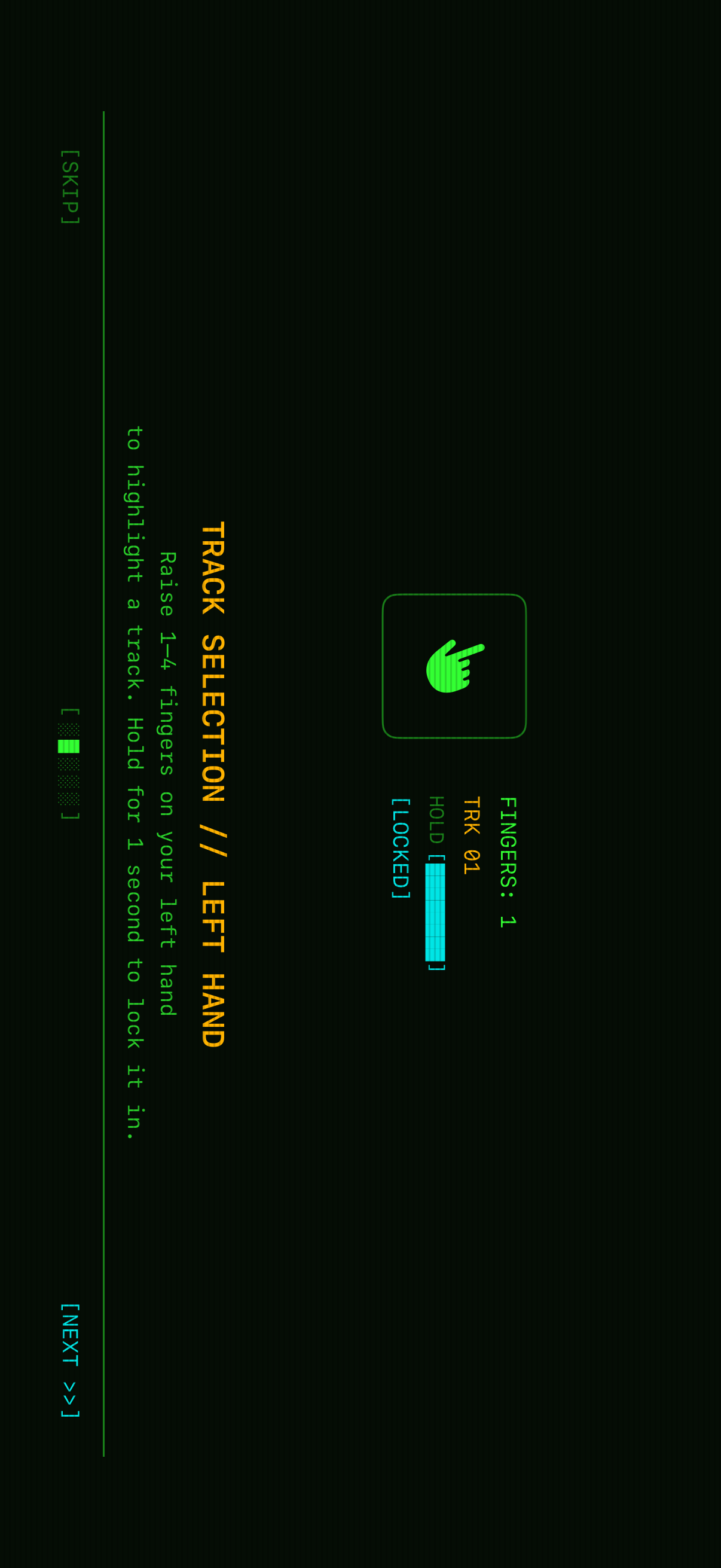
Left hand: track selection. Raise 1 to 4 fingers to choose one of four audio channels. The app counts extended fingers by comparing each fingertip's Y position against its matching PIP (proximal interphalangeal) joint. If the tip is higher on screen, the finger is up. Hold the gesture for one second and a progress bar fills until the selection locks.
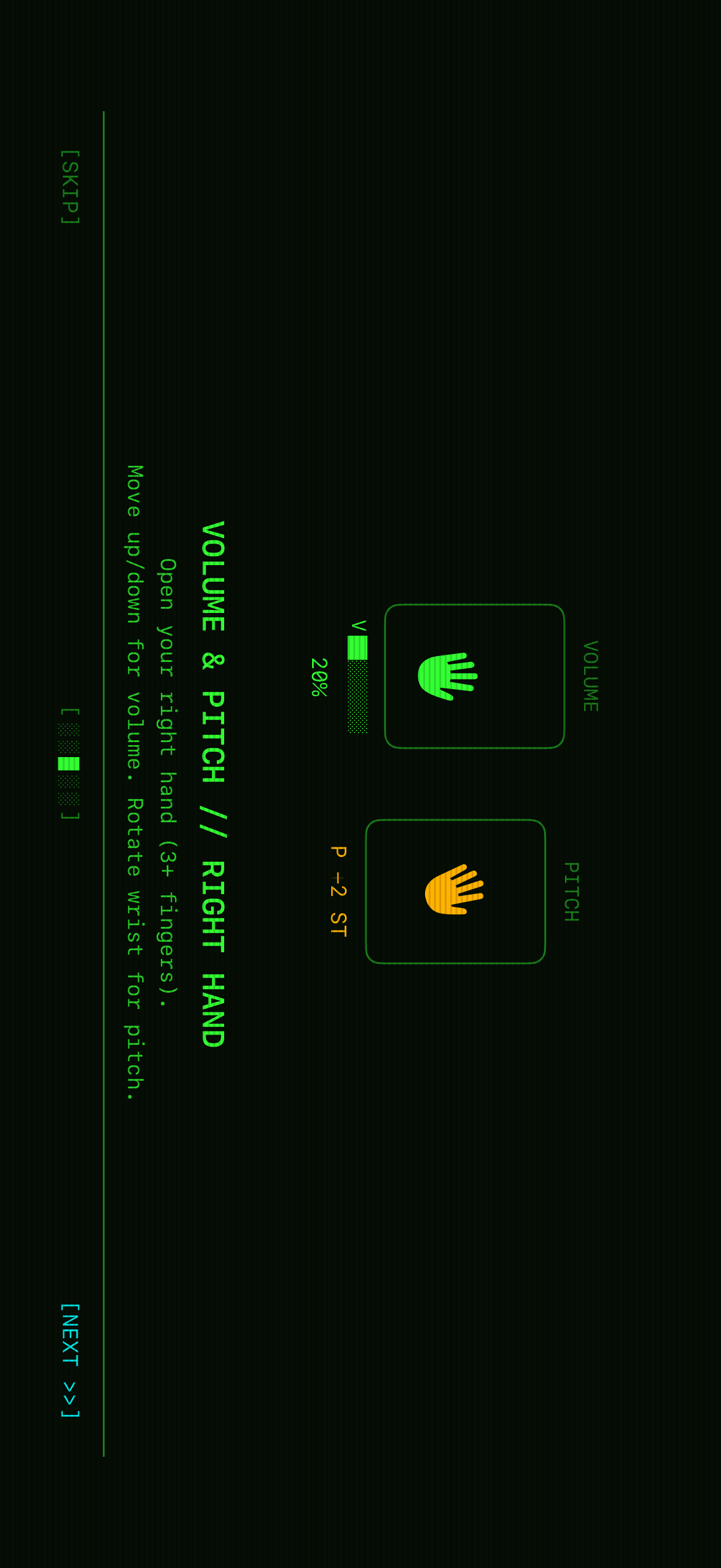
Right hand: volume and pitch. Open your right hand with 3 or more fingers visible, then move it up or down to control volume. Rotate your wrist to shift pitch in semitones, from -2 to +2 ST. Both controls use relative deltas instead of absolute positions. The app accumulates frame-over-frame changes, which smooths out the jitter you get from raw tracking coordinates.
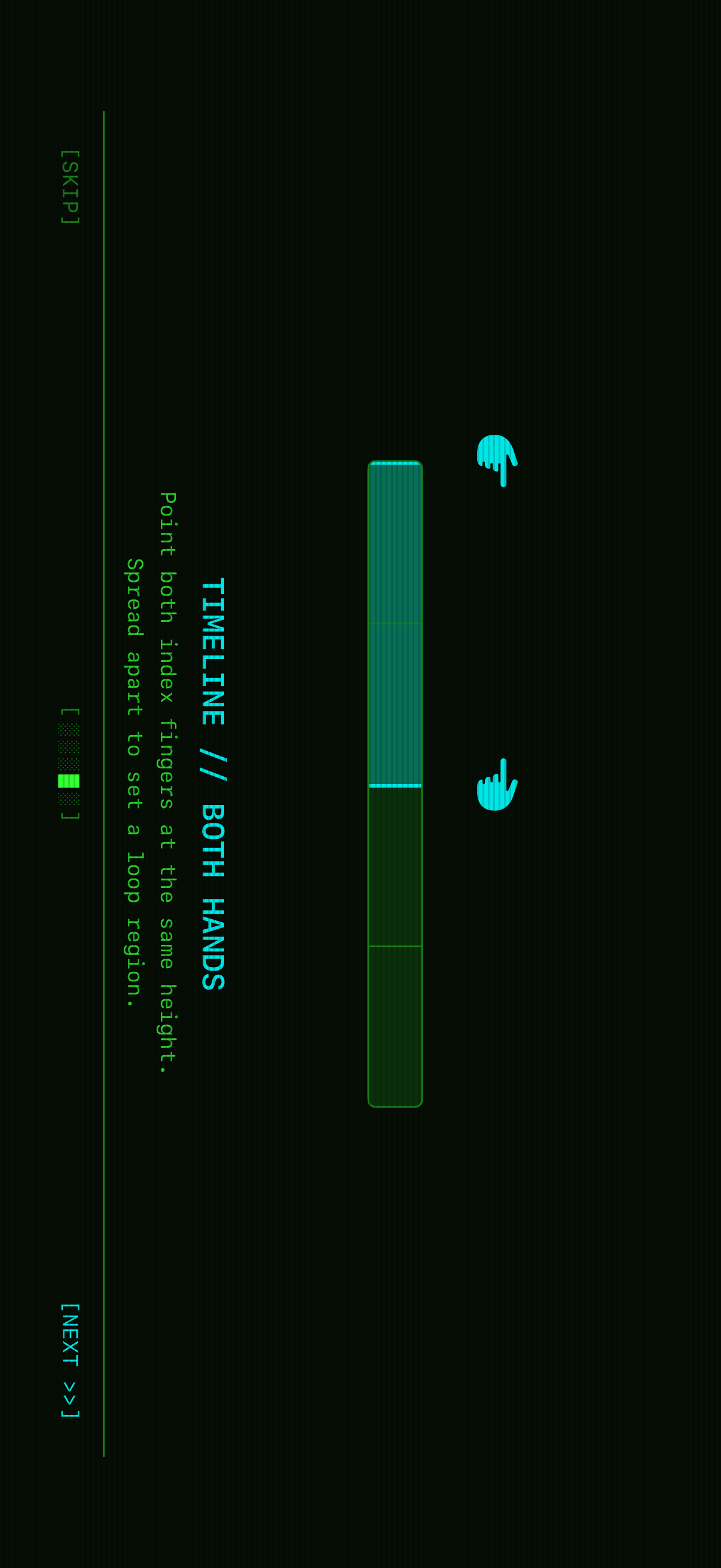
Both hands: timeline. Point both index fingers at the same height to enter timeline mode. The horizontal spread between your fingertips defines a quantized loop region in 25% increments. Segment changes don't snap immediately. They're bar-quantized, so they queue up and apply at the next bar boundary based on BPM. You can reshape the loop while the audio stays in time.
Under the hood
The app is built entirely with first-party Apple frameworks. No third-party dependencies.
Hand tracking runs through VNDetectHumanHandPoseRequest from Vision, configured to track up to 2 hands at once. Each camera frame goes through the request, and the app extracts 21 landmark points per hand. The finger-counting heuristic is almost suspiciously simple: for each finger, compare tip.y against pip.y in screen coordinates. If the tip is higher, which means a lower Y value, the finger is extended. Four comparisons. Four fingers. Done.
Audio is powered by AVAudioEngine with four independent channels. Each channel has its own AVAudioPlayerNode, wired through an AVAudioUnitTimePitch node before it hits the main mixer. That gives each channel its own playback, volume, and pitch control without the channels stepping on each other. The pitch unit accepts values in cents, from -200 to +200 for the +/- 2 semitone range, and volume is a 0-to-1 float on the player node.
The bar-quantized segment switching is the part I kept coming back to. When you change a loop region with the timeline gesture, the app calculates how long it has until the next bar boundary:
single_bar = 4 beats × (60 / BPM)
cycle_duration = single_bar × bar_count
elapsed = now - playback_start
time_remaining = cycle_duration - (elapsed % cycle_duration)
Then it schedules a DispatchWorkItem to fire after that delay and applies the new segment boundaries there. The pending region appears on screen right away, so the gesture still feels responsive. The audio change waits for the beat.
The relative delta controls do a lot of work too. For volume, the app tracks the wrist's Y position frame by frame. Each frame, it computes (previousY - currentY) * sensitivity and adds that delta to the running volume value, clamped between 0 and 1. Pitch works the same way, but with rotation. It computes atan2 from the wrist to the middle finger's MCP joint, diffs that against the previous frame's angle, and accumulates the delta in cents. That lets you "ratchet" the controls: move your hand, lift it, reposition, then keep adjusting from where you left off.
The terminal aesthetic
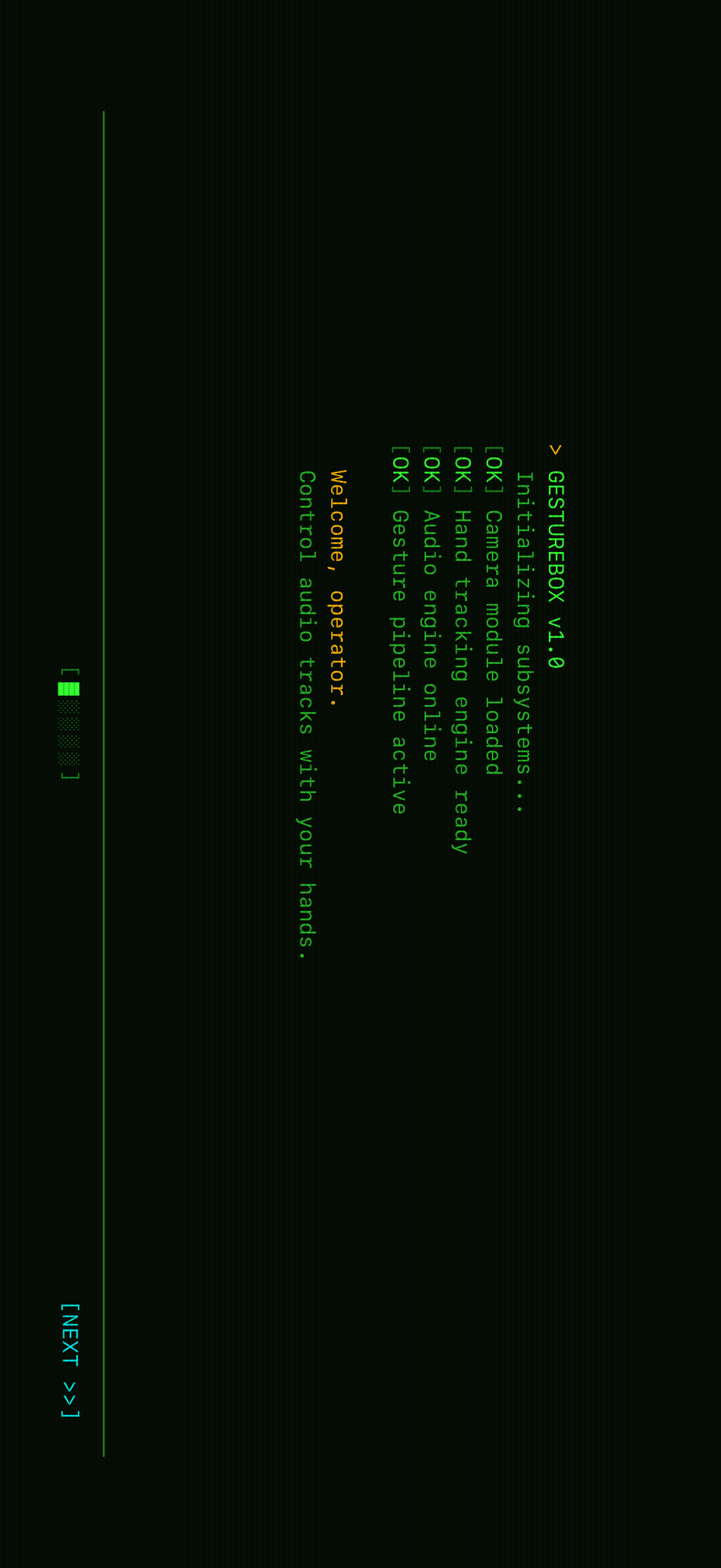
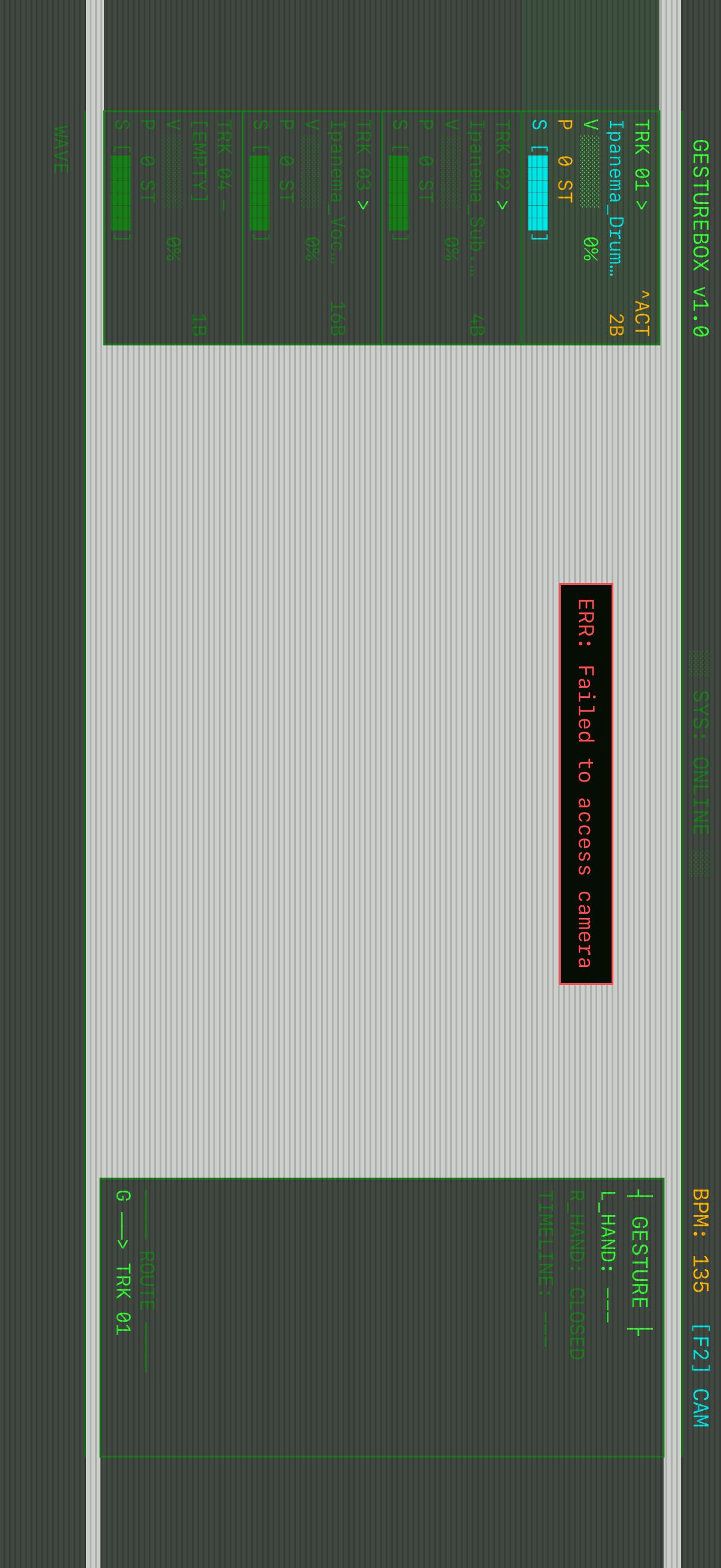
The whole app sits inside a retro CRT terminal theme: dark background, green phosphor text, amber status messages, cyan accents. A ScanlineOverlay drawn with SwiftUI's Canvas API paints 1-pixel horizontal lines every 3 points across the screen, giving it that old-monitor texture without using an image. The onboarding flow behaves like a system boot sequence: [OK] Camera module loaded, [OK] Hand tracking engine ready, one line at a time, until it lands on "Welcome, operator. Control audio tracks with your hands."
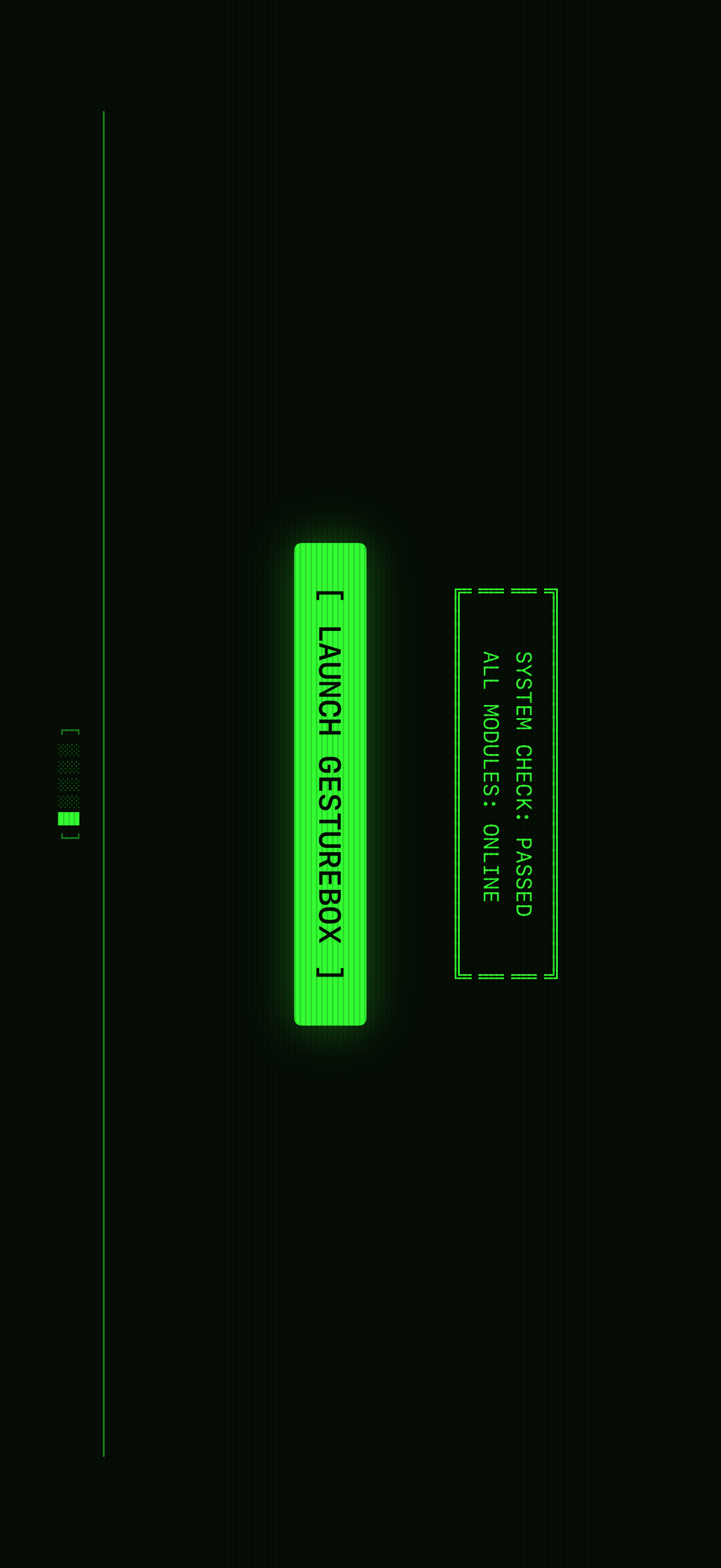
I carried the same visual language into the landing page at gesturebox.app. It's a Next.js site with scanlines from CSS repeating gradients, a vignette from radial gradients, a subtle flicker animation, and IBM Plex Mono for the typeface. The app's boot sequence comes back as a Framer Motion animation that reveals system status lines with staggered timing. The title glitch uses layered text-shadow values for RGB chromatic aberration.
The most fun constraint: the entire landing page uses zero images. Every visual element is built from CSS effects, Unicode box-drawing characters (╔, ╚, ║, └─>), and block elements (░, ▸, ◉). The pipeline diagram showing CAPTURE → INTERPRET → CONTROL is pure styled <div>s, with connectors that switch from horizontal arrows on desktop to vertical links on mobile.
Even the backend is boring on purpose. Waitlist signups go straight into a Notion database through the official API: email, name, signup date. No separate server. No database to babysit. Just a Next.js API route that validates the email and creates a Notion page.
Zero dependencies, maximum control
One thing I'm proud of: the iOS app has no third-party dependencies. Hand tracking, the audio engine, UI rendering, and the CRT overlay are built with SwiftUI, Vision, AVFoundation, and CoreGraphics. When an app needs to run at camera frame rate while driving real-time audio, control over the stack matters. There isn't an abstraction layer between the gesture recognizer and the audio engine where latency can hide.
The project ships with bundled "Ipanema" tracks: drums, sub bass, and vocals. They use different bar lengths, including 2-bar, 8-bar, and 16-bar loops, so users can experiment with layering and loop regions right away.
What I learned
Building GestureBox taught me that the gap between "technically possible" and "feels good to use" is huge. Hand tracking at 60fps is straightforward with Vision. Making it feel like a musical instrument took much longer: smooth controls, bar-quantized transitions, and visual feedback that actually follows your hands instead of fighting them. The relative delta approach for volume and pitch was the breakthrough. Absolute positioning felt awful because your hand would drift or the tracking would jitter. Accumulating deltas made the controls feel intentional.
If you want to try GestureBox or just check out the terminal-themed landing page, head over to gesturebox.app.